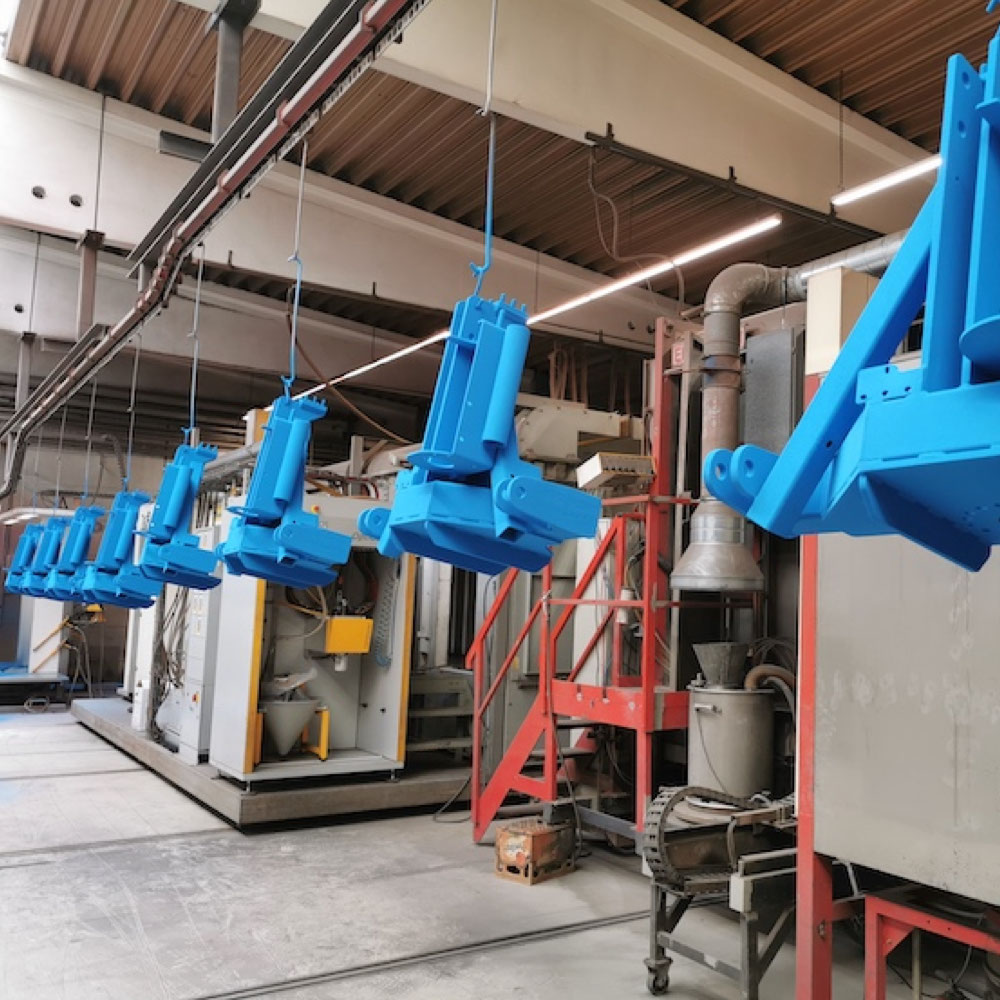
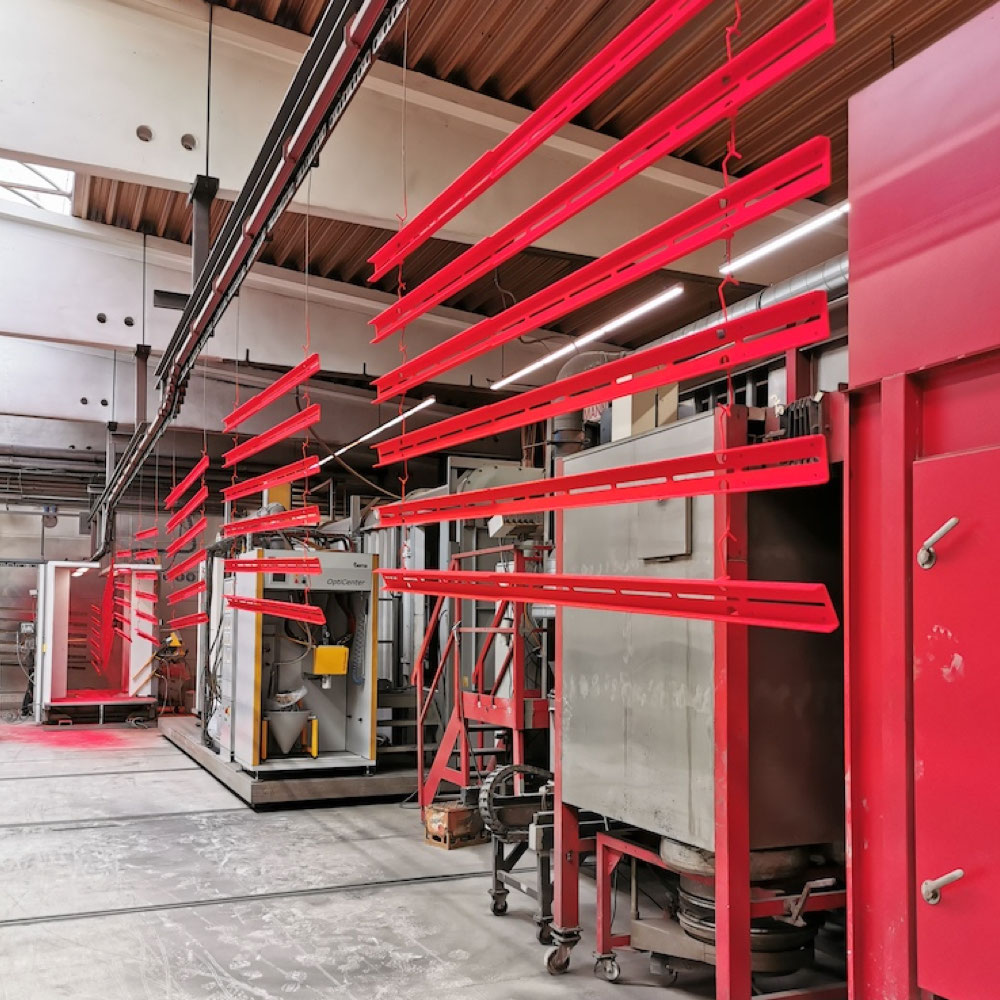
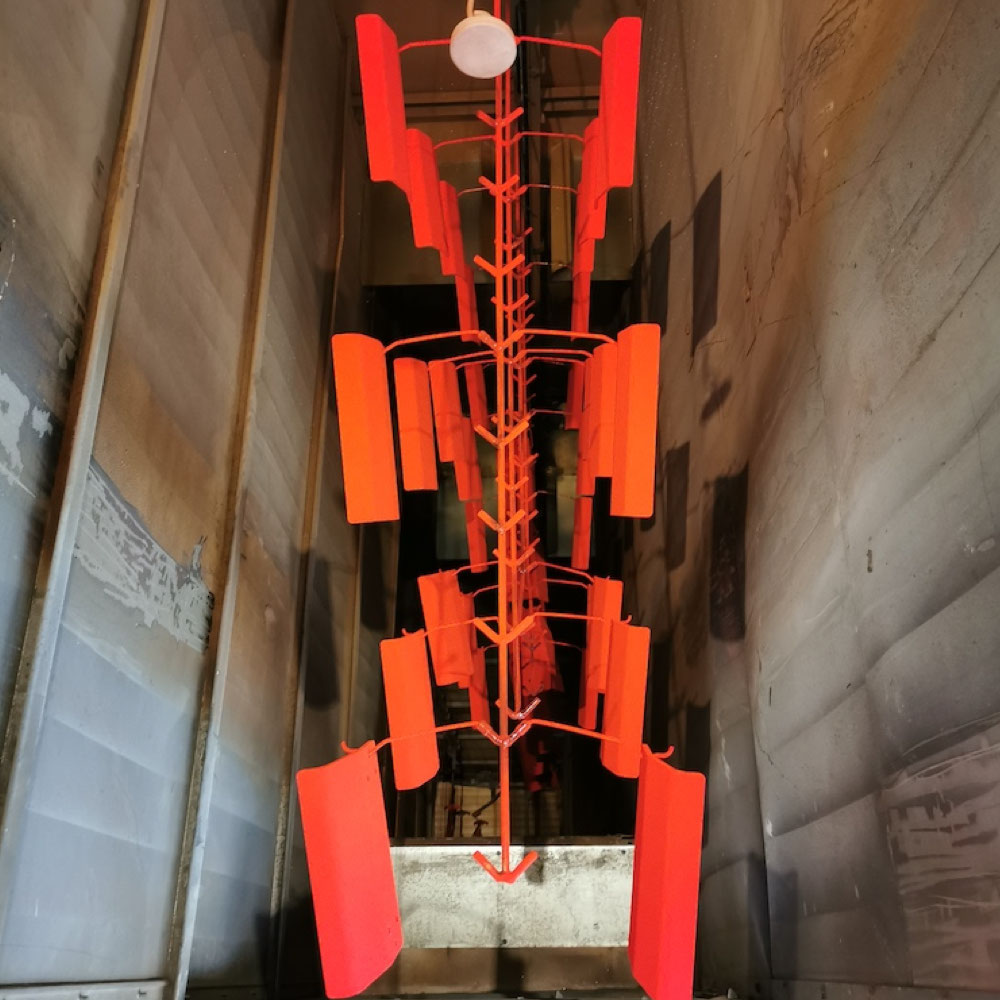
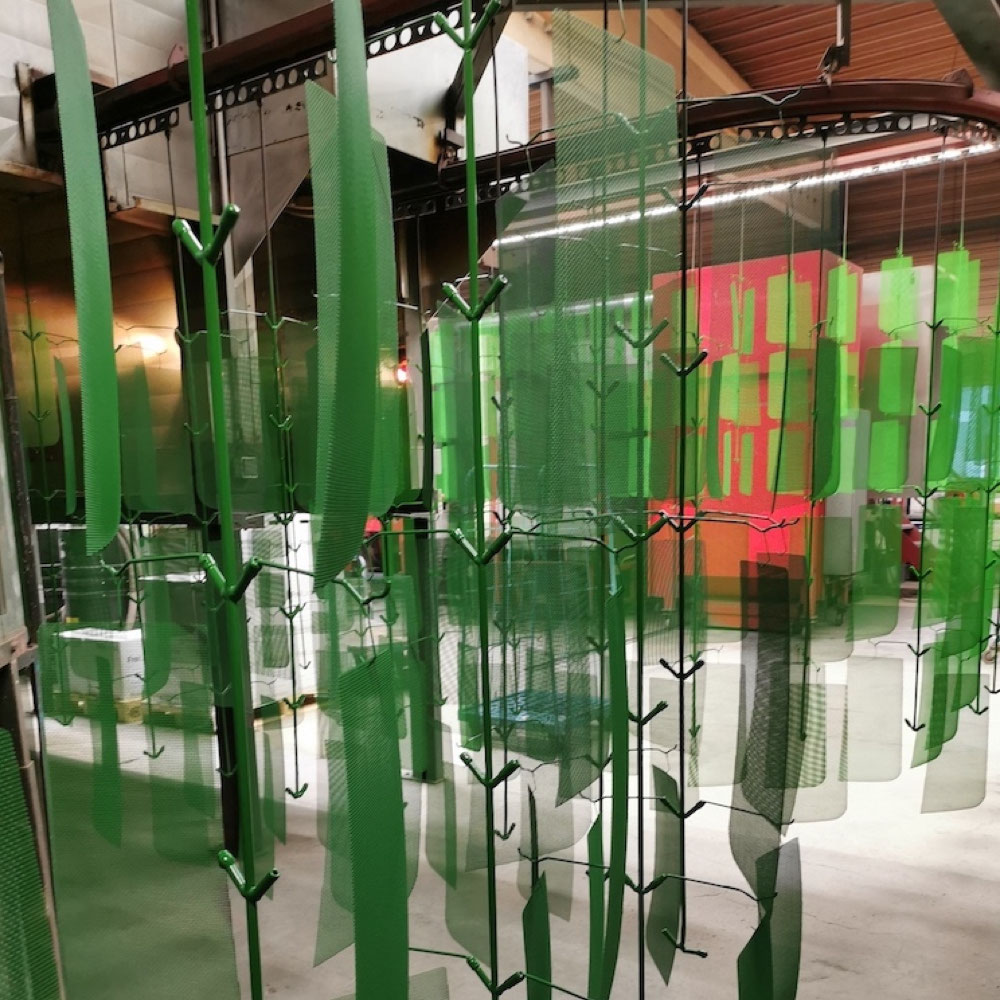
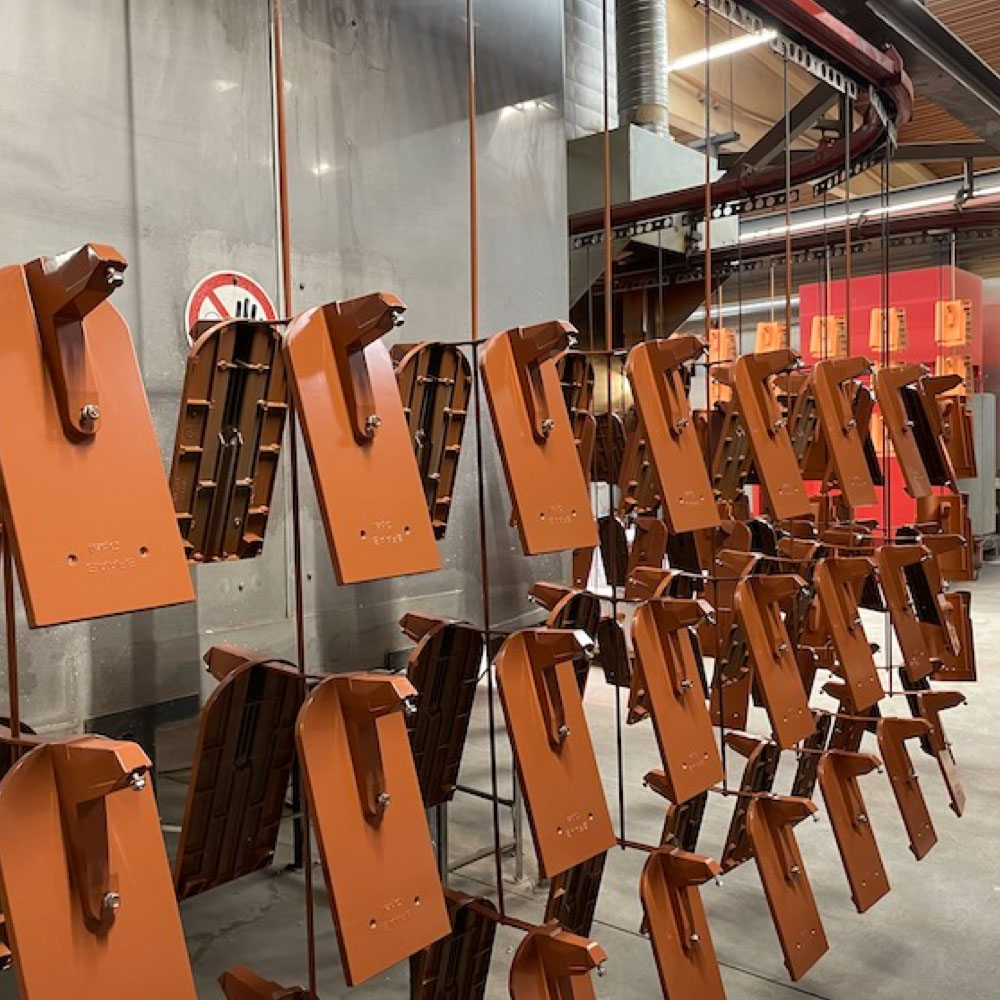
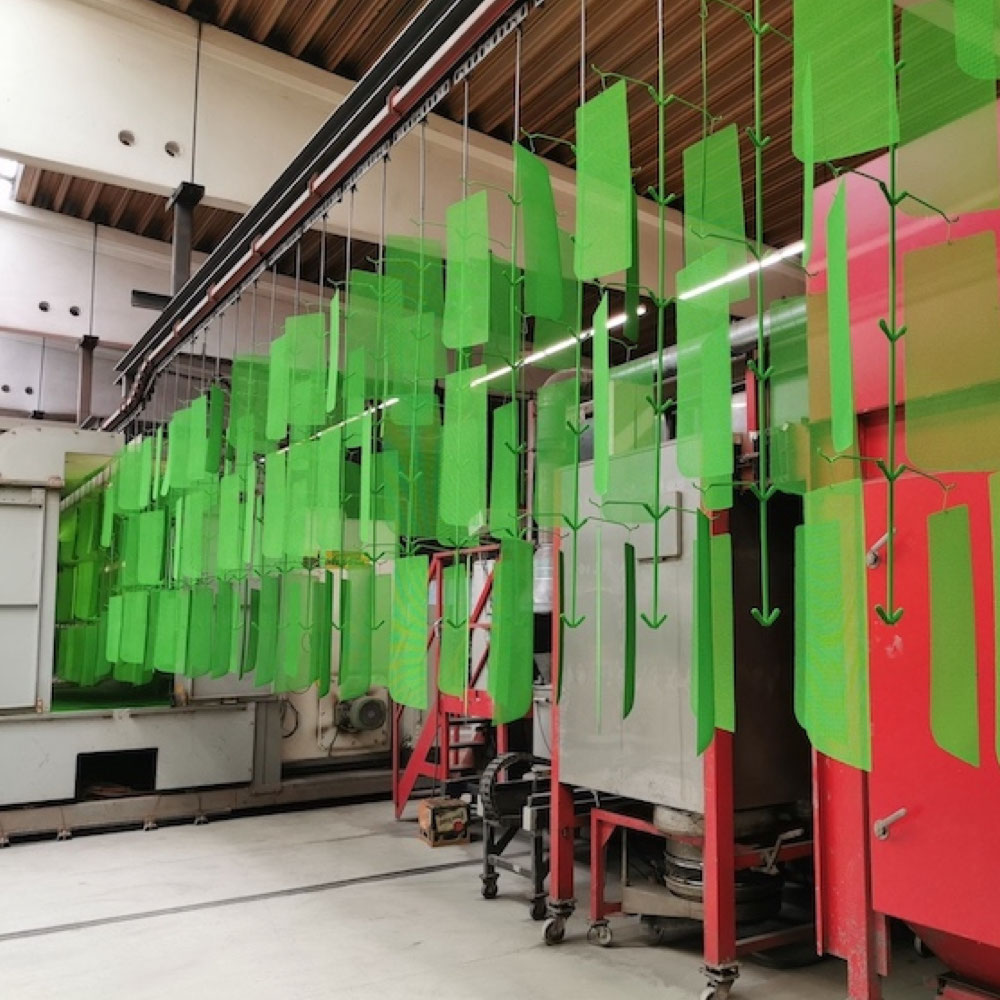
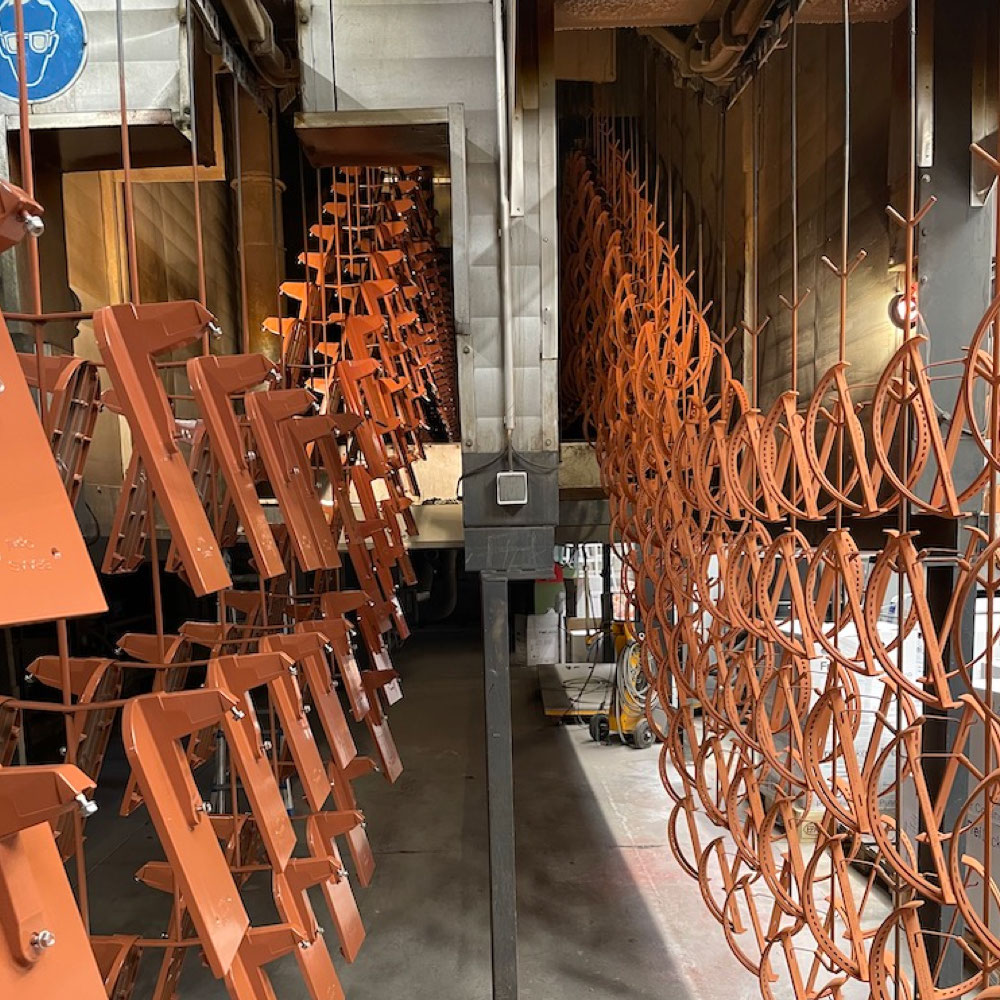
 Power-Shield ist unsere hochwertige Reibungs- und elektrostatische Pulverbeschichtungstechnik samt chemischer Vorbehandlung in bis zu neun Verfahrensschritten.
Eine frick® Power-Shield Pulverbeschichtung garantiert sehr hohe Witterungs- und Korrosionsbeständigkeit, Lichtechtheit, Langlebigkeit, Schlagfestigkeit und sieht hervorragend aus.
Selbstverständlich entwickeln wir für Sie individuelle Beschichtungskonzepte, die ganz
auf Ihre Wünsche und Anforderungen abgestimmt sind.
Wir beschichten Serienteile wie
z.B. Büro-, Schul- und Industriemöbel, Campingmöbel, Deckenplatten und -lampen, Druckgussteile, Flugzeugausstattungen, Kfz-Teile, Gartengeräte uvm.
Zu den Teile-Durchlaufgrößen
Zum Mailing Leistungsspektrum
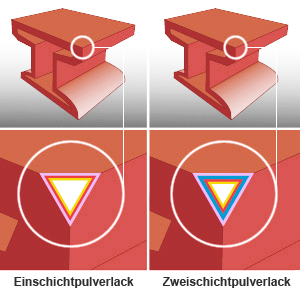
Sehen Sie hier unser Aufbauschema. Die Wahl der chemischen Vorbehandlung und
des jeweiligen Systemaufbaus
richten sich nach der Konstruktion und dem jeweiligen Materialuntergrund. Wir stimmen Vorbehandlung und
Systemaufbau individuell
mit Ihnen ab.
Einschichtpulverlack
3 (RAL Pulverdeckschicht)
2 Versiegelung
1 Passivierung
Anwendung:
Stahl für den Inneneinsatz
(bedingt auch für den Außeneinsatz
geeignet). Alle anderen Untergründe
für den Außeneinsatz.
Zweischichtpulverlack
4 (RAL Pulverdeckschicht)
3 Pulvergrundierschicht
2 Versiegelung
1 Passivierung
Anwendung:
Konstruktionsgerechter, gebeizter,
zunderfreier Stahl für den Außeneinsatz.
Power-Shield – wesentliche Systemkomponenten
Schwermetall- und TGIC-freier Qualitätspulverlack namhafter Hersteller für höchste Wetterbeständigkeit
(auf Wunsch mit geprüftem GSB-Qualicoat-Lack durchführbar); Epoxid, Polyester, Epoxid/Polyester als
Pulverbasis (weitere Qualitäten auf Anfrage
Antikorrosionsbeschichtung mit zusätzlicher Grundierung (z.B. auf Epoxidbasis) auf
Eisen- und Stahluntergründen
Versiegelung für exzellenten Korrosionsschutz
Passivierung für hervorragenden Haftgrund
Sehen Sie hier die Prüfergebnisse. Unser Beschichtungsverfahren erfüllt alle Erwartungen und Ansprüche hinsichtlich Oberflächendesign, Korrosionsschutz, Schlagfestigkeit und Langlebigkeit.
|
Lackhaftung |
Korrosionsbeständigkeit (U = <1mm) |
|
Gitterschnitt-
prüfung
EN ISO
2409:1995 |
Salzsprühtest
DIN
50021-SS |
Essigsäure-
Salzsprühtest
DIN
50021-ESS |
Kondenswasser-
Konstantklima
DIN
50017 KK |
Kondenswasser-
Wechselklima
ISO 3231
mit 0,2 SO2 |
| Untergrund |
Einschichtpulverlack (PE) |
| Galvanisch verzinkt |
Kennwert 0 |
bis 1000 h |
bis 1000 h |
bis 1000 h |
bis 30 Zyklen |
| Sendzimirverzinkt |
Kennwert 0 |
bis 1000 h |
bis 1000 h |
bis 1000 h |
bis 30 Zyklen |
| Feuerverzinkt |
Kennwert 0 |
bis 1000 h |
bis 1000 h |
bis 1000 h |
bis 30 Zyklen |
| Edelstahl V2A |
Kennwert 0 |
bis 1000 h |
bis 1000 h |
bis 1000 h |
bis 30 Zyklen |
| Alu MG 3 |
Kennwert 0 |
bis 1000 h |
bis 1000 h |
bis 1000 h |
bis 30 Zyklen |
| Stahl St. 37 blank |
Kennwert 0 |
bis 500 h |
bis 500 h |
bis 500 h |
bis 24 Zyklen |
| Stahl St. 37 verzundert |
Kennwert 0 |
bis 200 h |
bis 200 h |
bis 200 h |
bis 16 Zyklen |
| Untergrund |
Zweischichtpulverlack (Zinkprimer + PE) |
| Stahl St. 37 blank |
Kennwert 0 |
bis 1000 h |
bis 1000 h |
bis 1000 h |
bis 30 Zyklen |
| Stahl St. 37 verzundert |
Kennwert 0 |
bis 500 h |
bis 500 h |
bis 500 h |
bis 24 Zyklen |
Diese Tabelle ist nur für Desktop Geräte mit mindestens 800px Displaybreite verfügbar.
Die chemische Vorbehandlung wurde mit bereits stark gebrauchten Bädern (bis zu 9 Verfahrensschritte) durchgeführt. Die Prüfdauer betrug bis 1000 h. Die erreichten Werte gelten für die von uns verwendeten korrosionsfreien Musterbleche.
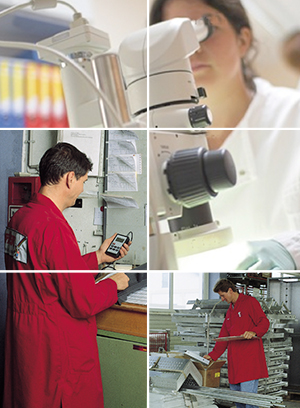
 Die Spitzenqualität unserer Pulverbeschichtung stellen wir durch eine exzellente Verfahrenstechnik und durch das persönliche Engagement unserer Mitarbeiter während der gesamten Auftragsabwicklung sicher. Unser Team in Verwaltung, Wareneingang, Labor, Produktion und Endkontrolle arbeitet konsequent, zuverlässig und termintreu.
Selbstverständlich liefern wir bei Nachbestellungen absolut identische Qualitäten. Darüber hinaus beschichten wir auf Wunsch bei jedem Ihrer Aufträge ein Musterblech, das bei uns zusammen mit den Chargennummern des Pulverlieferanten und mit unseren kompletten Produktionsdaten archiviert wird.
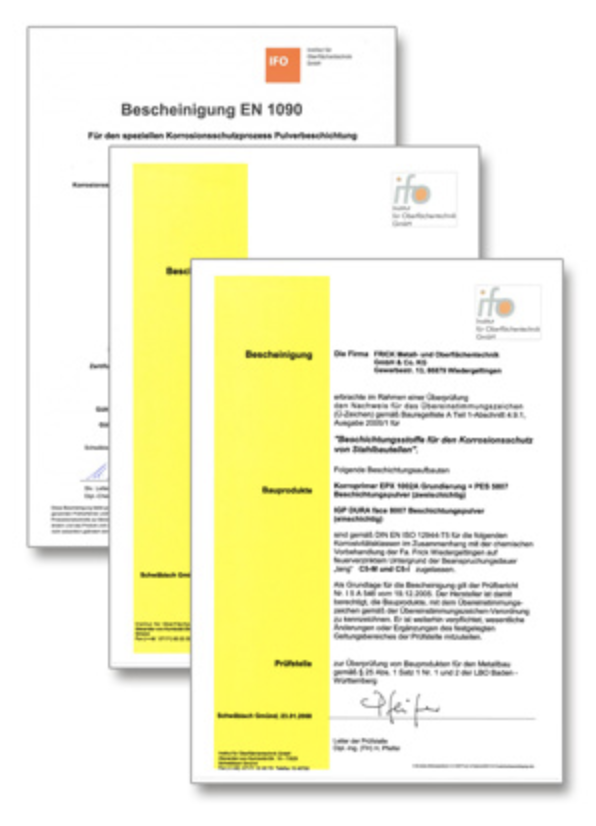
Sie möchten mit Ihrem Partner auf der sicheren Seite sein? Wir sind zertifiziert! Sie stellen hohe Ansprüche an die Qualität? Wir liefern sie! Sie wünschen ein individuelles Design oder haben eine schwierige Aufgabe zu lösen? Wir lassen uns etwas für Sie einfallen!
Bescheinigung EN 1090 zertifiziert durch IFO
Ü-Zeichen – Allgemeines bauaufsichtliches Prüfzeugnis Feuerverzinkter Stahl I5A546
Ü-Zeichen – Allgemeines bauaufsichtliches Prüfzeugnis Aluminium I1A008